Compare
Lemnly vs LingQ vs Readlang.
Three tools, one belief: you learn a language by reading things you want to read. They differ in where you read, what’s waiting for you, and what it costs. This page tries to be the comparison I wish I’d found — including the parts where Lemnly comes off worse.
Side by side.
Only facts you can check on the vendors’ own sites. No paraphrased app-store reviews, no numbers from third-party blog posts.
Swipe the table sideways to see all three columns →
| Feature | Lemnly | LingQ | Readlang |
|---|---|---|---|
| Everything free, with no cap on saved wordsLingQ’s free tier stops at 20 saved words (“LingQs”) ever created. Readlang’s free tier caps phrase translations, AI explanations and total highlights per day. | no caps, no card | 20 words, then paid | daily caps, then $6/mo |
| Native iPhone appA real app from the App Store, not a web page you save to your home screen. | iPhone + iPad | iOS + Android | home-screen install |
| Unlimited grammar explanations in contextNot just the translation — what that word is doing in that sentence. Readlang offers AI context explanations too, capped at 10 a day on the free plan. | unlimited, free | 10/day free | |
| FSRS — the modern spaced-repetition schedulerLemnly uses FSRS, the algorithm serious Anki users switch to, and keeps a separate schedule for each direction of a card. Neither competitor advertises which scheduler it runs. | FSRS, both directions | own algorithm | own algorithm |
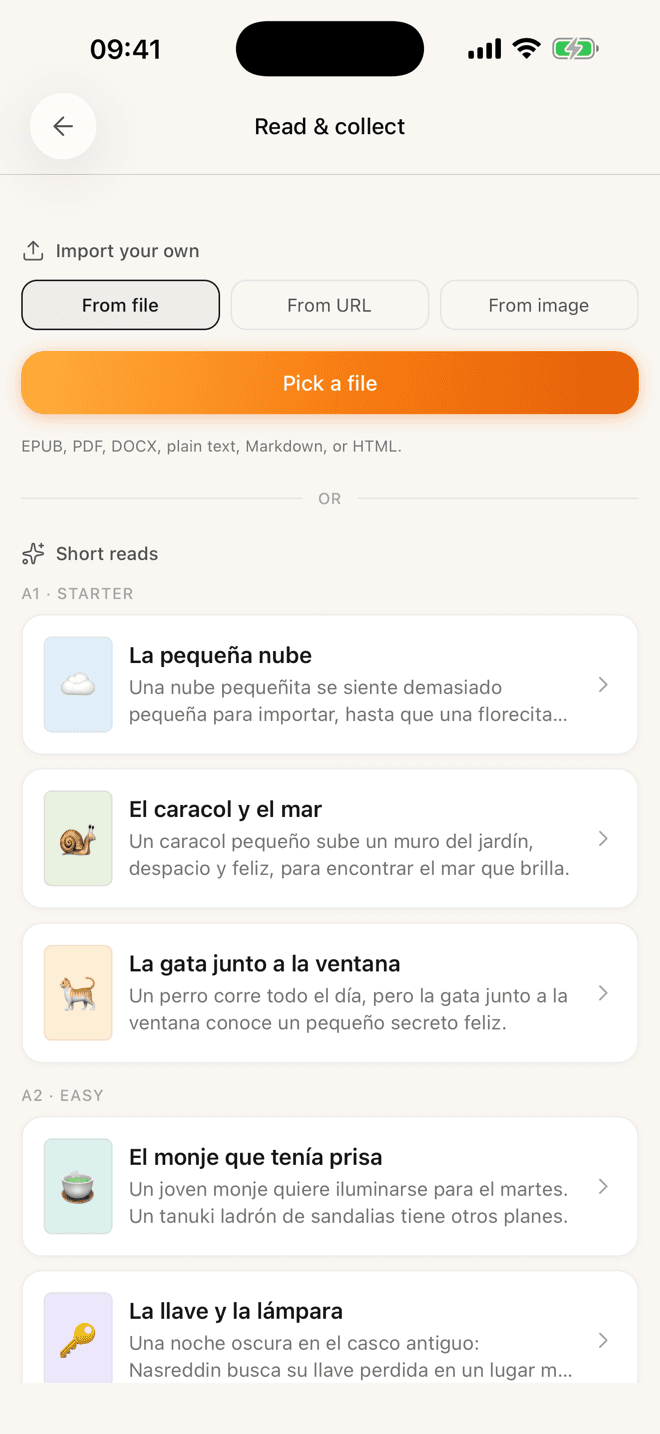
| Read a printed page with your cameraFor the books that never went digital. Both competitors import text, files and links — neither reads a photo. | photo → text | text imports only | text imports only |
| Practice a word more than one wayTyping, listening, multiple choice and letter assembly as well as plain flashcards — and an auto mode that moves a word up through them as it sticks. | 6 modes | review activities | flashcards |
| Graded original stories by CEFR levelSomething at your level to read tonight, without hunting for it first. | A1–B2 short reads | large lesson library | shared user library |
| Import any web article, book or fileEPUB, PDF, DOCX, TXT — or just paste a link. All three do this. | |||
| Read in place on any websiteA browser extension that translates on the page you’re already on. Lemnly doesn’t have one — you paste the link instead. | no extension yet | importer extension | extension + bookmarklet |
| Languages offeredThis is the row where Lemnly is plainly the smallest. More are on the way — French, Italian and Portuguese next — but if you’re learning Polish, go elsewhere today. | 3 today, more coming | 50+ | dozens |
Checked against lingq.com and readlang.com in July 2026. Prices and plan limits change — if you spot something out of date here, tell me and I’ll fix it.
If you’re coming from LingQ
Same method. Calmer room.
LingQ got the method right before almost anyone: read a lot, save what you don’t know, let the known-word count climb. Lemnly doesn’t argue with any of that — it’s the same loop.
What’s different is the room you do it in. Lemnly is one screen at a time: a page of text, a word you tapped, a card. No lesson chrome, no settings you have to master first, nothing competing for the tap. And the free tier isn’t a trial — you can save as many words as you like without paying, and nothing you’ve saved is ever held behind a plan change.
If you’re coming from Readlang
The same click-to-translate, on your phone.
Readlang is a lovely web reader, and its extension does something Lemnly can’t: translate in place on whatever page you’re already on. If that’s how you read, stay — genuinely.
But there is no Readlang app in the App Store; on a phone it’s a web page you save to your home screen. Lemnly is a native iOS app built phone-first: it opens instantly, remembers your page, works on the sofa and on the train, and ships with a graded library so there’s always something to read when you don’t have a link to hand.
Don’t switch for the sake of it
When to pick the other one.
Lemnly is three languages old and built by one person. There are real reasons to use something else, and pretending otherwise would be the fastest way to lose your trust.
LingQ
Visit site- Over 50 languages, against Lemnly’s three.
- A lesson library with years of material in it, plus audio for much of it.
- A known-words counter with a decade of learner history behind it, and tutors you can book.
Pick LingQ if you want breadth — an unusual language, or an enormous back-catalogue to work through.
Readlang
Visit site- A browser extension that translates in place on any page you visit. Lemnly has no extension.
- Many more languages than Lemnly.
- A well-loved, cheap web reader with years of polish, at $6/month for full access.
Pick Readlang if you read mostly on a laptop and want to click words on the open web without importing anything.
And when to pick Lemnly: you read on your phone, you want the reading and the remembering in one calm app, and you’re learning Spanish, German or English.

A chapter tonight.
The words still there next week.
Free. Pick a story at your level, tap the words you don’t know, and let Lemnly bring them back at the right time.
No credit card · Spanish, German and English today