Anki or Lemnly? An honest decision tree from a nine-year Anki user
I used Anki for nine years and cards I made in 2017 still come up. Here is who should stay, who should switch, and the thing I have to tell you up front: there is no deck import, and that matters.

- There is no Anki deck import. Not built, not planned for the near term. Everything below assumes that.
- Stay on Anki if your bottleneck is reviewing, if you learn non-language material, or if you love tuning the scheduler.
- Switch if your bottleneck is making cards from the things you read, which was mine for nine years.
- Running both for a while is a completely reasonable answer and the one I would suggest first.
I used Anki for nine years. Cards I built in 2017 still turn up on my phone. There is no other tool in this space with that kind of durability, and the fact that it is free, open, and outlives companies is not a small thing.
So when people ask whether to switch, the honest answer is a decision tree, not a pitch. Here it is, including the part that costs me.
The thing I have to say first
Lemnly cannot import your Anki deck. No APKG import, no CSV path, nothing. If you have eleven thousand cards and nine years of scheduling history, none of it comes across today.
I would rather you learned that here than after signing up. It rules out a large group of people immediately, and it should.
Any migration guide that skips over “can you actually bring your data” is not a guide, it is an advert.
Stay on Anki if…
- You learn things other than language vocabulary. Anatomy, law, chemistry — Anki is genuinely the better general-purpose tool and it is not close.
- You have a deck older than two years that you care about. See above: it does not come with you.
- You enjoy the tuning. Sliders for everything, add-ons, custom templates, cloze, image occlusion.
- You need fully offline and fully scriptable.
- Your bottleneck is reviewing, not making cards. If your queue is the problem, a different card-maker will not help.
- Sunk cost in cards you never actually review.
- “I might need cloze deletion one day.”
- Loyalty. It is a piece of software and it does not know who you are.
- The belief that a difficult tool is a serious one.
Switch if your bottleneck is making cards
This was mine, for most of nine years, and it took me an embarrassingly long time to name it.
My review habit was fine. Five minutes, most mornings, for years. What never worked was the step before it: I would meet a word while reading, think “I should add that”, and not add it. Not because it was hard exactly, but because adding it meant leaving the book, opening a laptop, typing the word, finding a translation, writing an example sentence, and picking a deck. Fifteen seconds of intent, ninety seconds of admin.
So over nine years I read a great deal of German and Spanish and added cards for maybe one word in twenty that I meant to. The other nineteen I met, understood, and forgot.
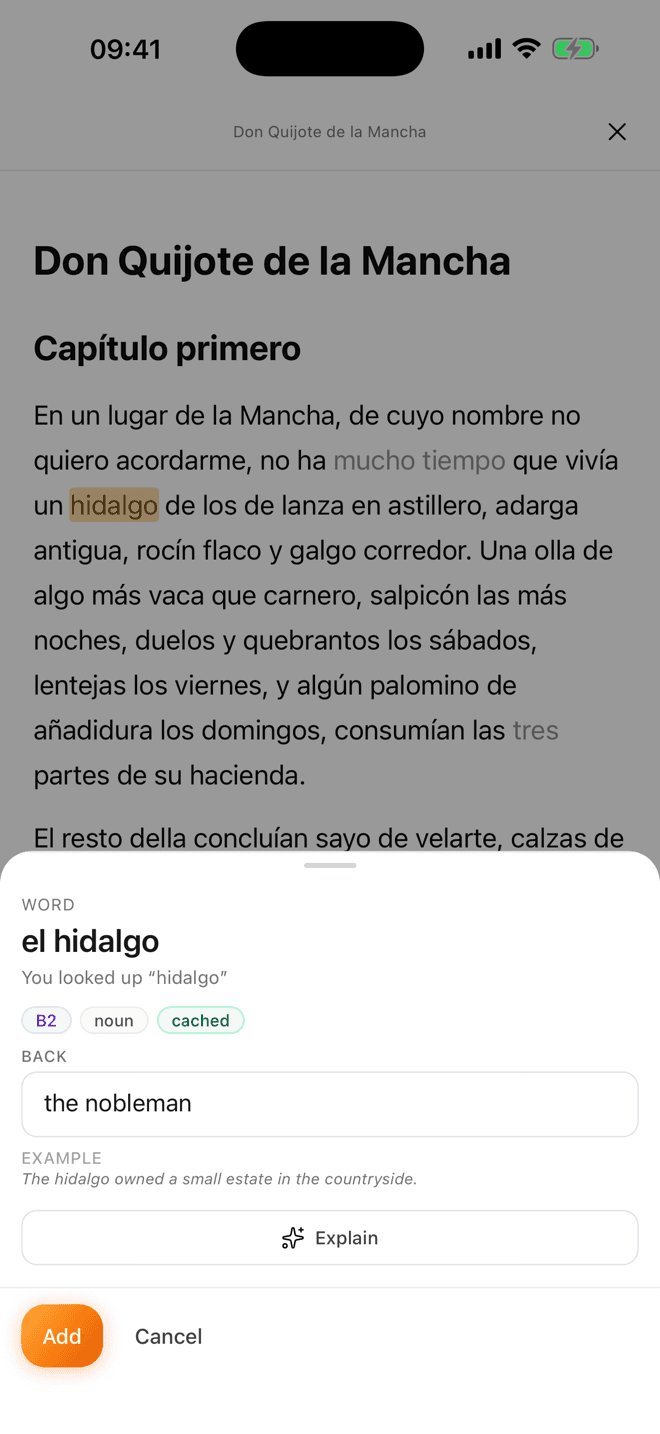
Lemnly exists because of those nineteen. You tap the word while you are still in the sentence, and the card is made — translation, part of speech, level, and the sentence you met it in already attached. That is the entire product thesis. If that is not your problem, the rest of this page does not apply to you.
What you give up, stated plainly
- Your existing deck. Again: no import. This is the big one.
- Card customisation. Lemnly cards have one shape — word, translation, example, part of speech, optional image. If you live by multi-paragraph cloze, this is not your tool and may never be.
- Add-ons. None, and none planned. The bet is that a smaller set of things working well beats an ecosystem you have to assemble, which is a real bet that will not suit everyone.
- Scheduler controls. Anki gives you a wall of settings. Lemnly gives you almost none — it runs FSRS with sensible defaults and gets out of the way. If tuning is part of the fun for you, you will find this frustrating rather than restful.
- Twenty years of community decks. Lemnly has shared decks, but nothing approaching that back catalogue.
What you get
- Cards that make themselves out of what you are reading, with context attached by default rather than by discipline.
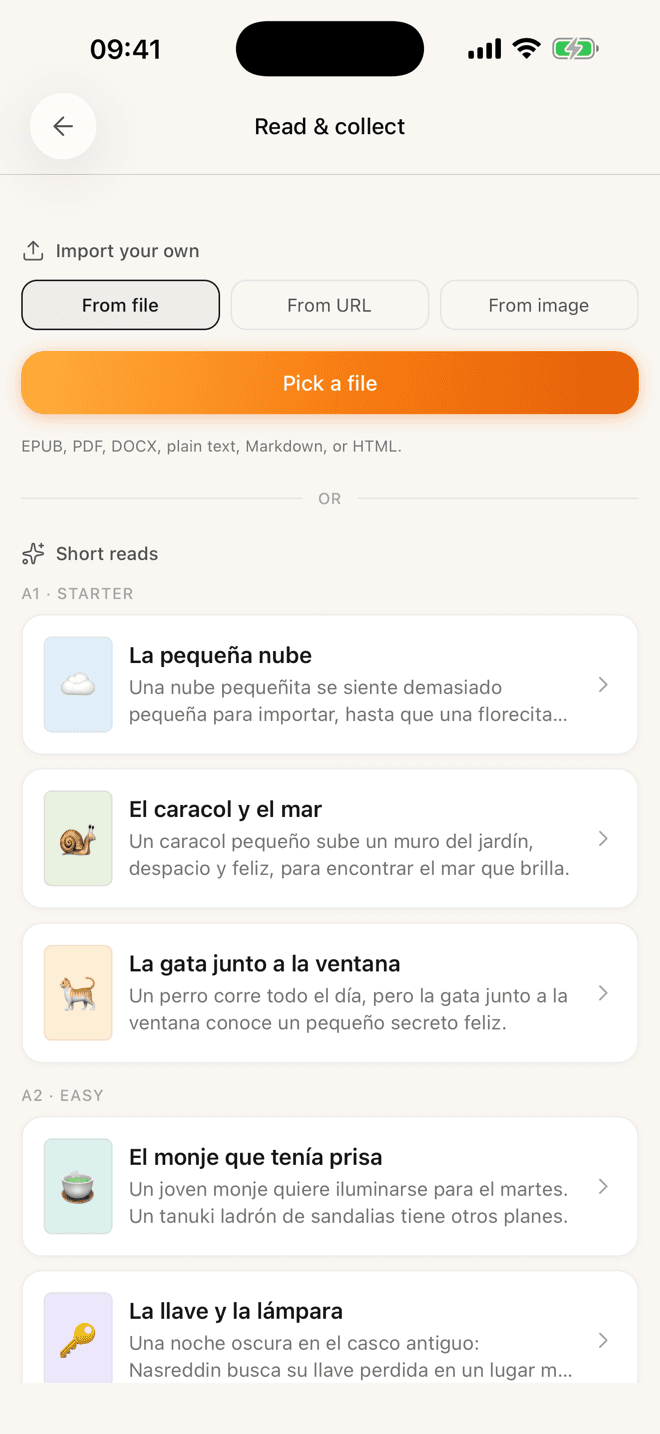
- Something to read — graded stories and free classics — inside the same app, so the reading and the reviewing are not two separate habits you have to maintain.
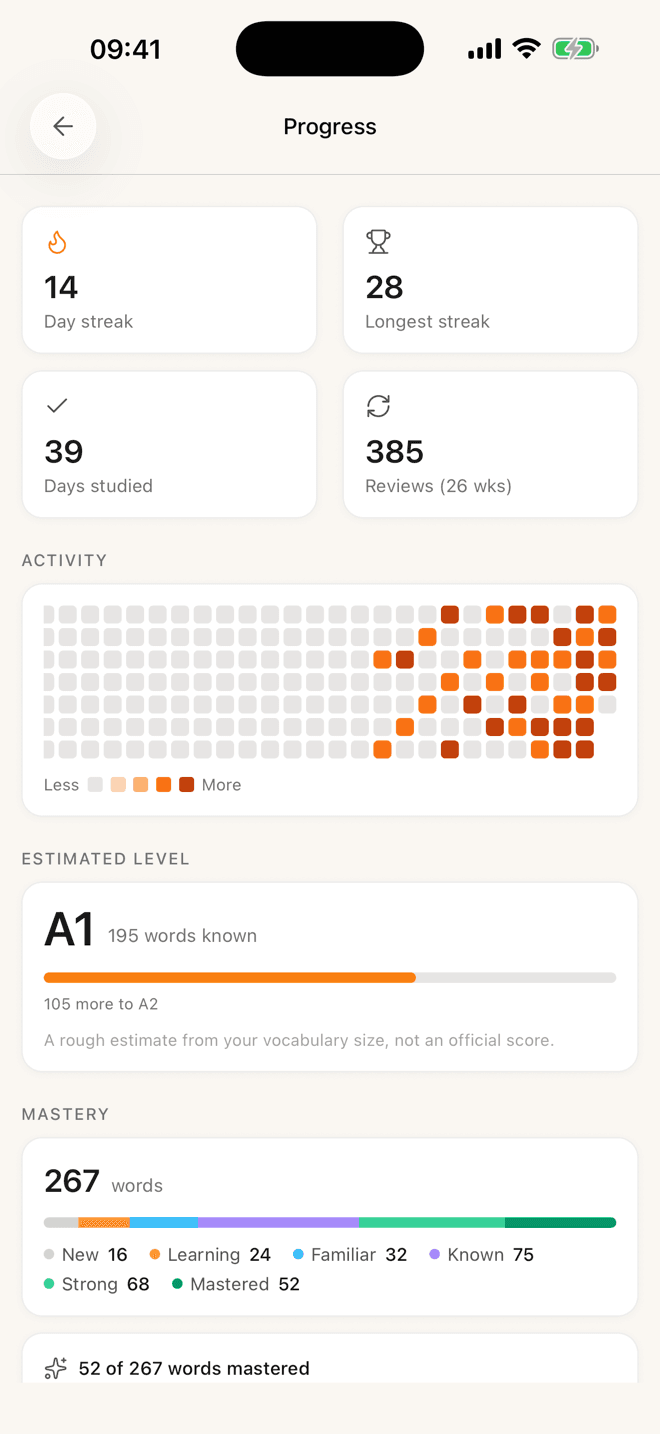
- FSRS in both directions per card, without configuring anything.
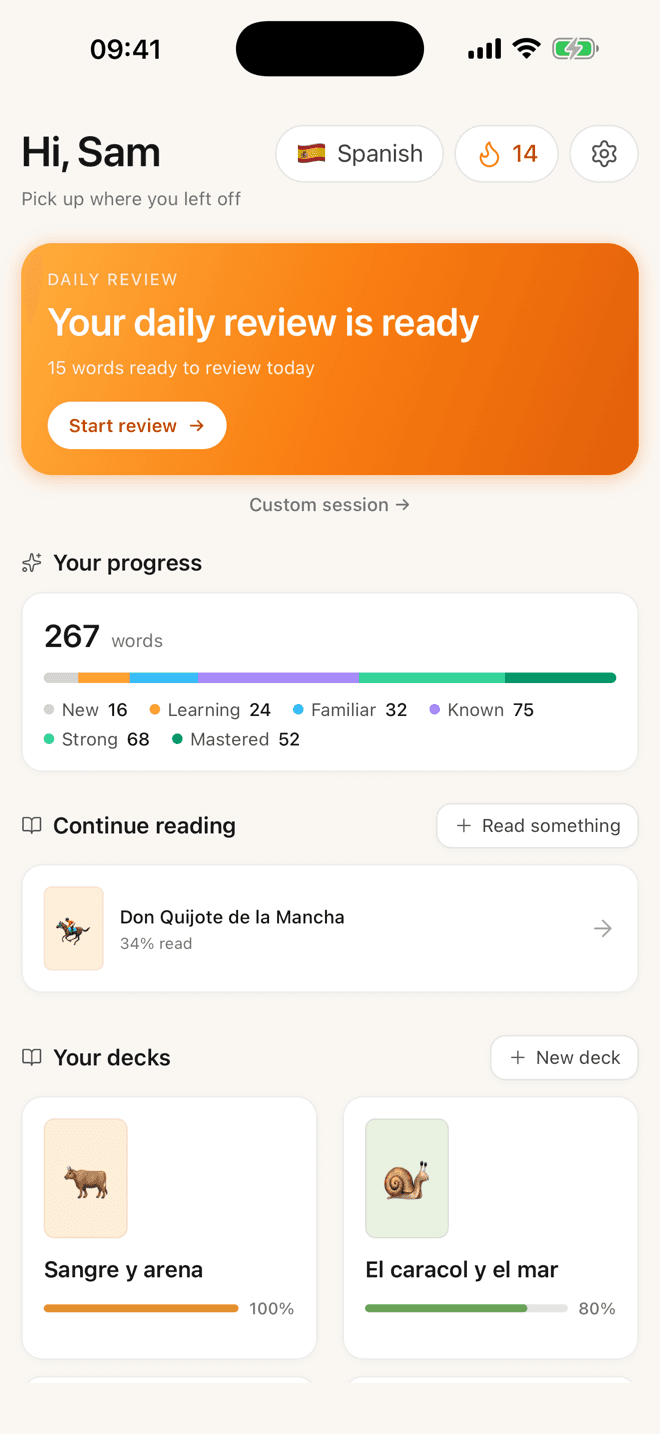
- A phone app that is pleasant. I say this carefully as someone fond of Anki: AnkiMobile is powerful and it is not pleasant.
The migration that actually works: don’t migrate
- 1Keep Anki running
Do not export, do not delete, do not try to recreate your deck by hand. Your existing cards keep their nine years of scheduling exactly where they are.
- 2Start Lemnly empty, from one book
Read one thing, tapping words as you go. New words only. Two review sessions a day for a fortnight is genuinely fine — they are short.
- 3Decide at week four
By then you will know whether the tap-while-reading loop changed how many words you actually capture. If it did not, you have lost a month of very small sessions and learned something.
The instinct is to pick a winner on day one. Resist it. The two tools are doing different jobs, and running both while you find out is cheaper than getting the decision wrong in either direction.
I think the Anki community has, over twenty years, become extremely good at optimising the review step and has almost entirely stopped examining the capture step. There are threads arguing about FSRS parameters to two decimal places, and comparatively little about the fact that most people’s decks contain a fraction of the words they actually met that year.
Optimising the scheduler is optimising the wrong half. If you capture one word in twenty, a perfect scheduler on those cards still leaves nineteen twentieths of your reading on the floor.
Questions people ask about this
- Can I import my Anki deck into Lemnly?
- No. There is no APKG import and no CSV path today. If your deck is the reason you are considering the move, stay where you are — I would rather say that plainly than have you find out after signing up.
- Is Anki still worth using in 2026?
- Very much. It is free, open, runs everywhere, supports FSRS, and will outlive most companies in this space including possibly mine. For non-language material there is nothing close to it.
- What is the actual difference, in one sentence?
- Anki is a superb tool for reviewing cards you have already made; Lemnly is a tool for making cards out of what you are reading without leaving the page. If your bottleneck is the second thing, that is the whole argument.
- Can I use both at once?
- Yes, and it is what I would suggest for the first month. Keep your Anki deck reviewing as normal and start Lemnly empty on one book. Two short sessions a day is genuinely fine, and it lets you find out which loop you actually keep.
Will there ever be an import?
Maybe. It is on the list, below more languages and an Android app, because the people asking loudest for it are — reasonably — the people with the largest decks and the strongest reasons to stay on Anki anyway.
If you want it, say so. That genuinely moves the order; there is nobody between you and the person writing the code.
If you would rather read about the scheduler itself, that is in the spaced repetition piece.